Some users have encountered an issue where the CGDI K2 Smart Key Tool loads up to the startup screen but then freezes and becomes unresponsive, failing to load the home page. This problem typically occurs after updating to the latest version 4.0.0.
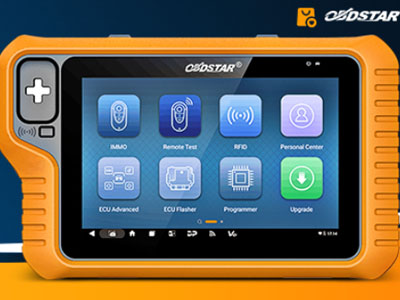
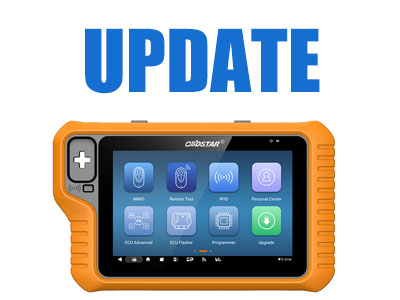
The OBDSTAR X300 Classic G3 has updated the battery programming functionality in the [ECU Advanced] section for the Porsche Cayenne 2018-2023. It allows modifying battery parameters via the OBD interface and provides one-click automatic code adjustment to update battery information.
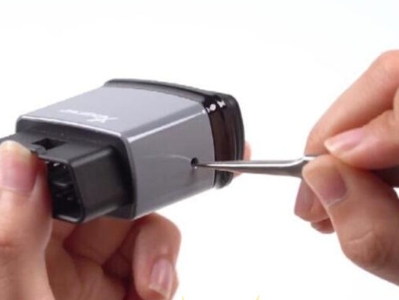
Xhorse Bluetooth Digital Smart Key is here to turn your phone into a smarter, more secure key! With this advanced device, you can replace traditional keys and even use your phone for diagnostics.
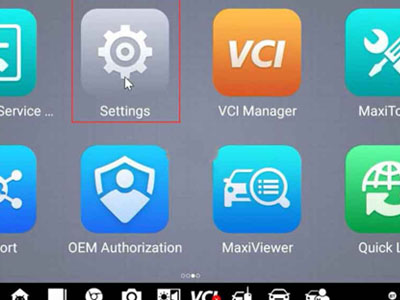
If the Autel Maximum IM 508/608 device experiences software errors, frequent crashes, or fails to start properly, a factory reset may resolve potential system issues.
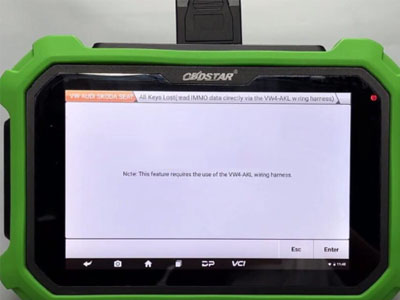
Use the OBDSTAR VW4-AKL cable to work with OBDSTAR X300 DP Plus on the bench. No need to remove the chip! No need to solder the printed circuit board, even if all keys are lost. It is also compatible with X300 Pro4 and X300 Classic G3.
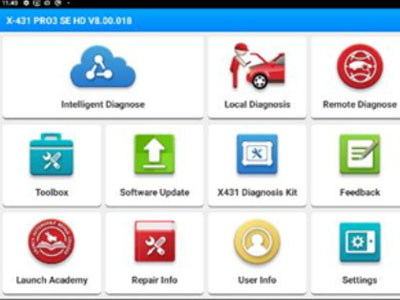
Launch X431 has released a new software update for its heavy truck diagnostic tools, upgrading the X431 HD app and optimizing the diagnostic software to enhance functionality.
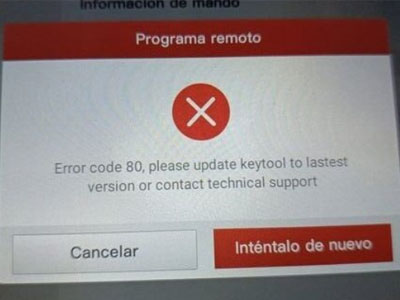
Users often report that they were unable to program the key using the Launch X431 Key Programmer and X431 tablet. What are the common causes of this situation? Here are a few steps that can resolve the X431 VVDI program's remote error 80.
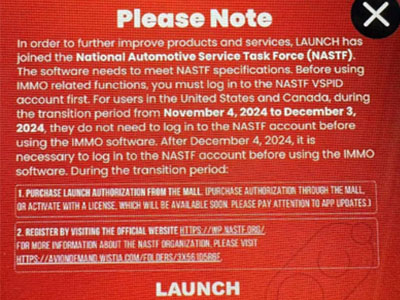
In order to further improve Launch X431 products and services, LAUNCH has joined the National Automotive Service Task Force (NASTF). The software must comply with NASTF specifications. Before using IMMO-related functions, you must first log in to the NASTF VSPID account.
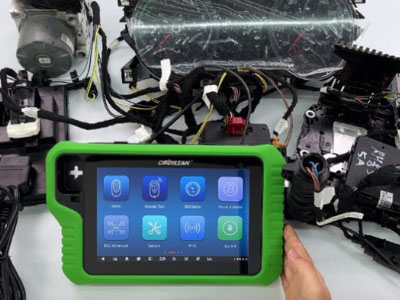
In this post, we’ll demonstrate how to use OBDSTAR X300 Classic G3 to query historical IMMO data and read ECU info for Volkswagen MQB dashboard.
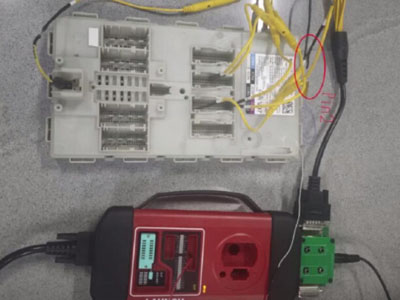
Both Launch X431 IMMO series (IMMO Plus / IMMO Elite/ IMMO PAD / IMMO Pro) and X431 PAD series tablets (PAD V, PAD VII, PAD9 LINK) support BMW G chassis BDC2 key adding. The X431 X-Prog3 and MCU3 Adapter are required to work with the X431 tool.

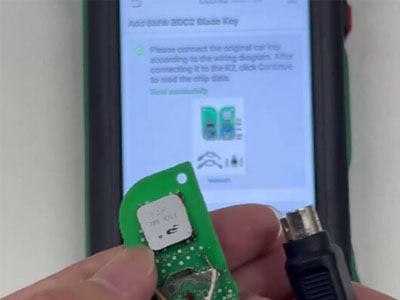
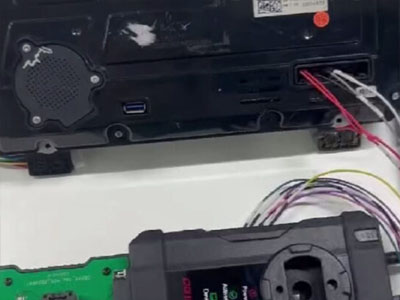
VAPON VP100 key programmer newly added BMW BDC2 module cloning function. Now it can add new key, erase IMMO data and clone for BMW BDC2 module.
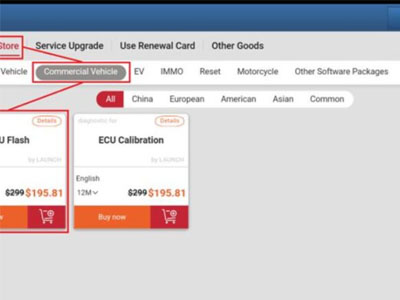
Launch X431 has expanded the ECU Flash function for X431 PAD V LINK HD, PRO3 SE HD, PRO3 LINK HD (V+ SmartLink HD), PRO3S+ SmartLink HD, and other PRO3 series tablets to read and write heavy-duty truck ECUs.