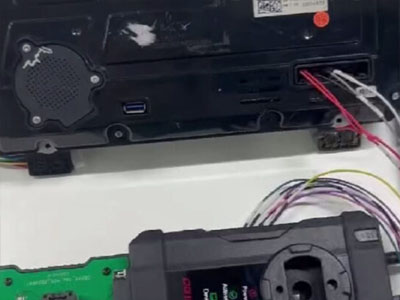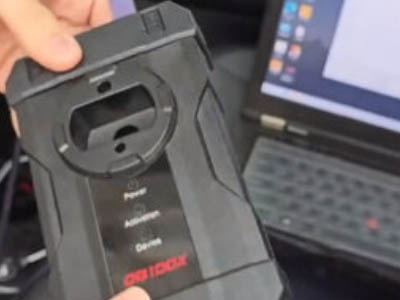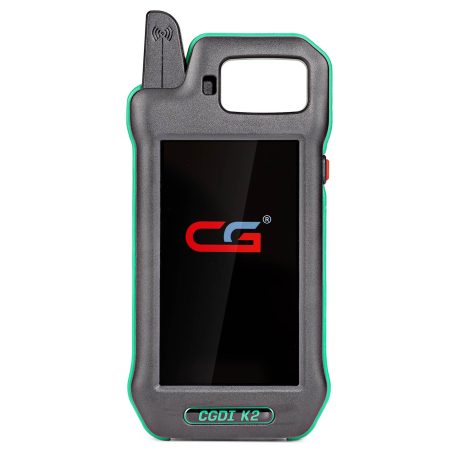

The CGDI K2 Smart Key Tool now enables full BMW key duplication for BDC2, BDC3, and BCP systems, eliminating the need for extra licenses or adapters.
Latest Features of CGDI K2
- Broad Compatibility: Works with all BMW BDC2, BDC3, and BCP keys, including unencrypted Hungary versions and encrypted Mexico versions.
- LCD Display Key Integration: Fully supports BMW LCD display keys with complete operation.
- Non-Invasive Process: Allows key programming without component removal or disassembly.
- Zero Cost Activation: No licensing fees or additional activation steps required.
- Minimal Equipment: Uses only the soldering cable included with CGDI K2; no extra adapters needed.
- Wide Key Support: Functions with both factory-original and third-party replacement keys.

Step-by-Step Guide: Programming BMW BDC/BCP Keys with CGDI K2
Example: Cloning a BDC2 Blade Key
Requirements:
- Original BMW BDC2 key fob
- New blank key fob
- BMW BDC2 control module
- CGDI K2 key programmer device
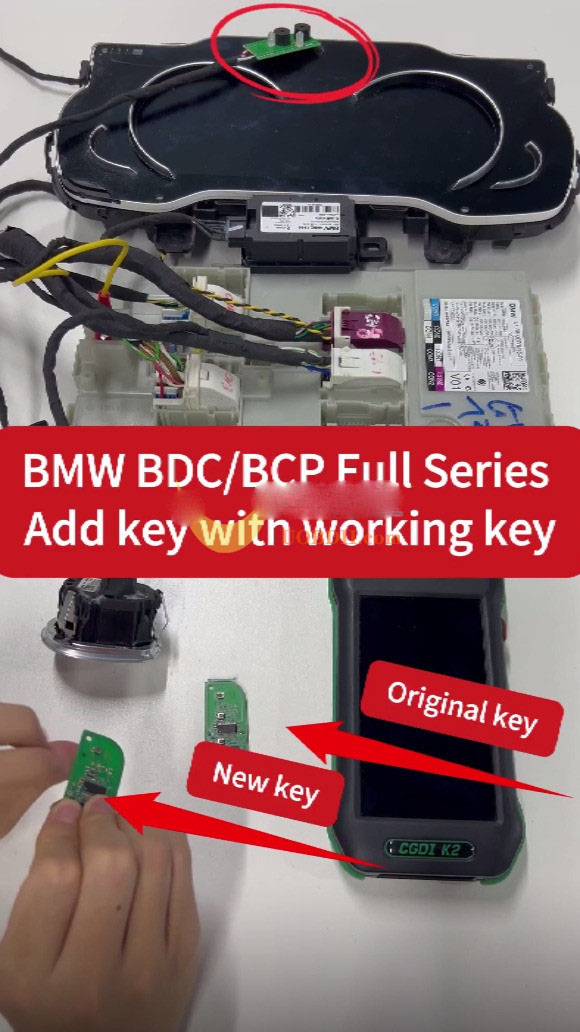
Step 1: Connect the Device and Key
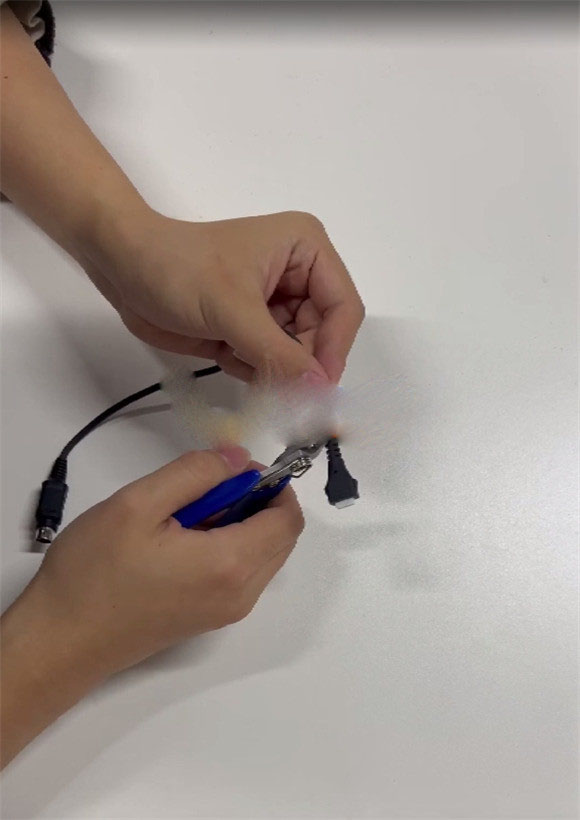
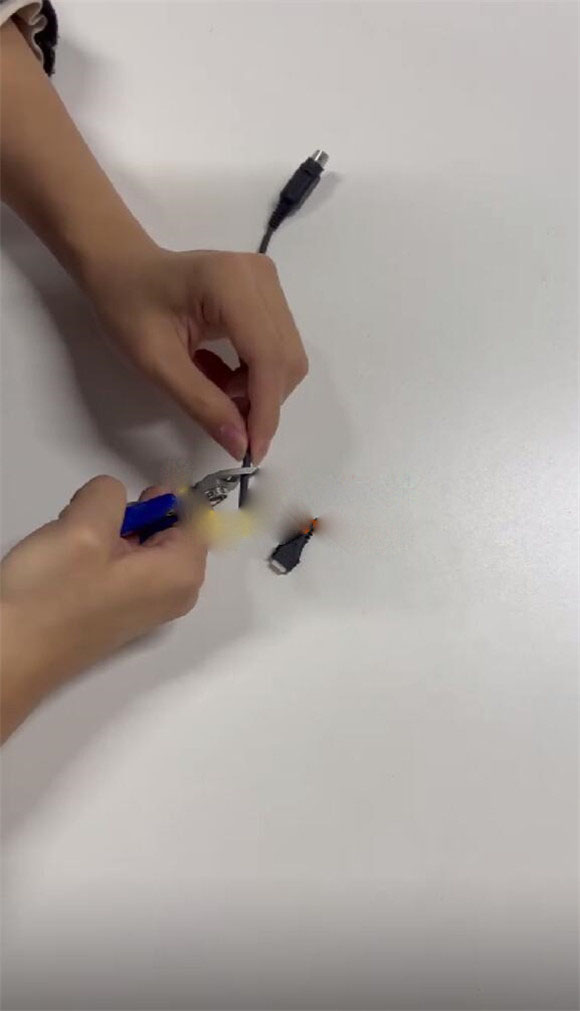
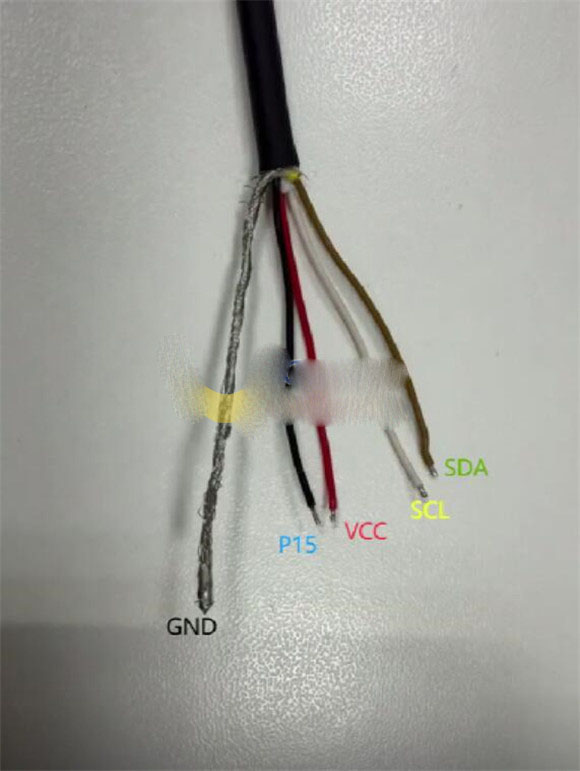
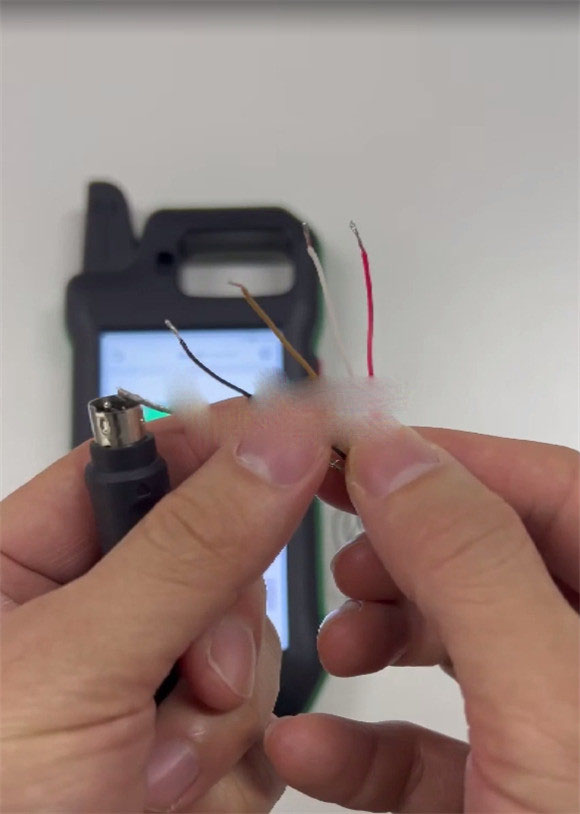
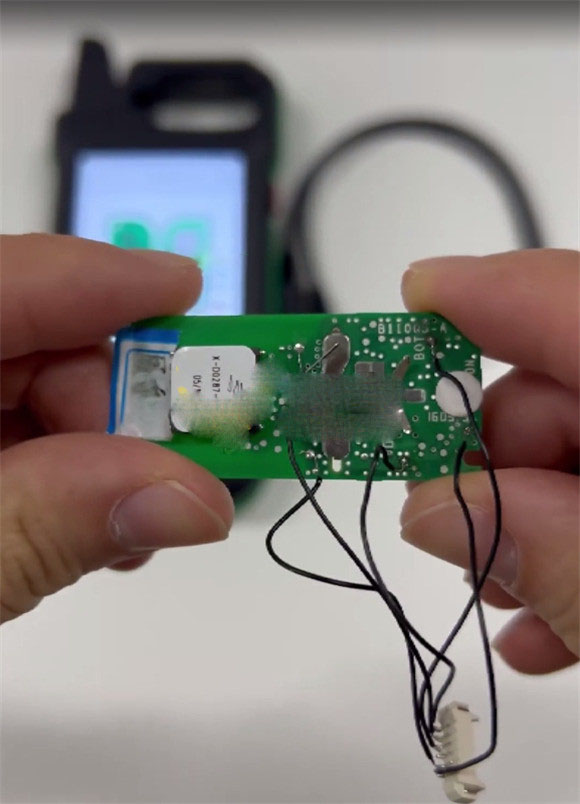
Method 1: Custom Cable Preparation
Modify the CGDI K2 soldering cable as demonstrated in the images.
Method 2: Direct PCB Soldering
Follow the illustrated soldering technique to attach the base to the PCB.
Step 2: Read Data from the Original Key
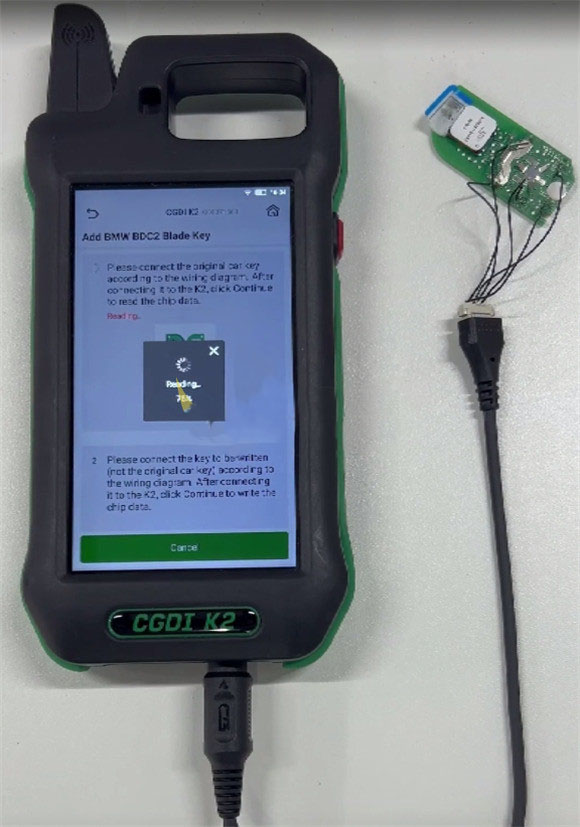
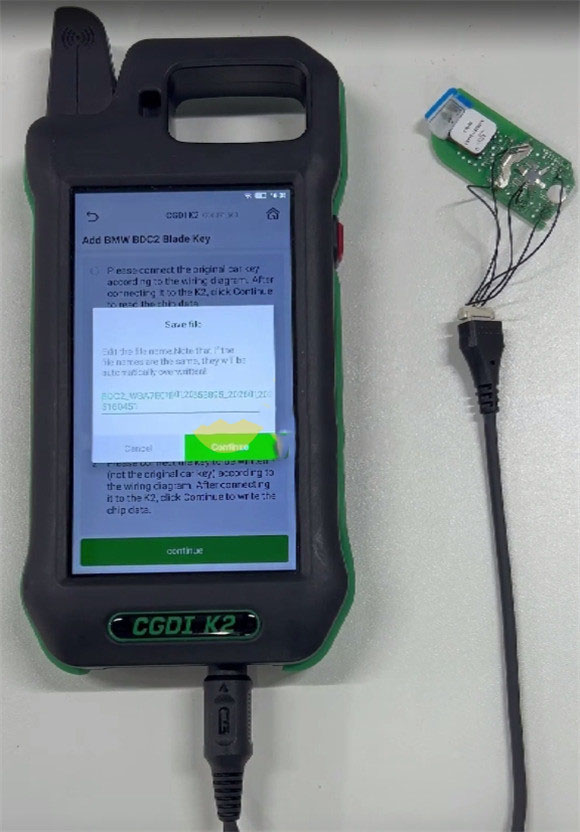
For instance, using Method 2 for operation.
Extract and save the key data file from the original key.
Step 3: Write Data to the New Key
Example using Method 1.
Connect the CGDI K2 properly to the new blank key.
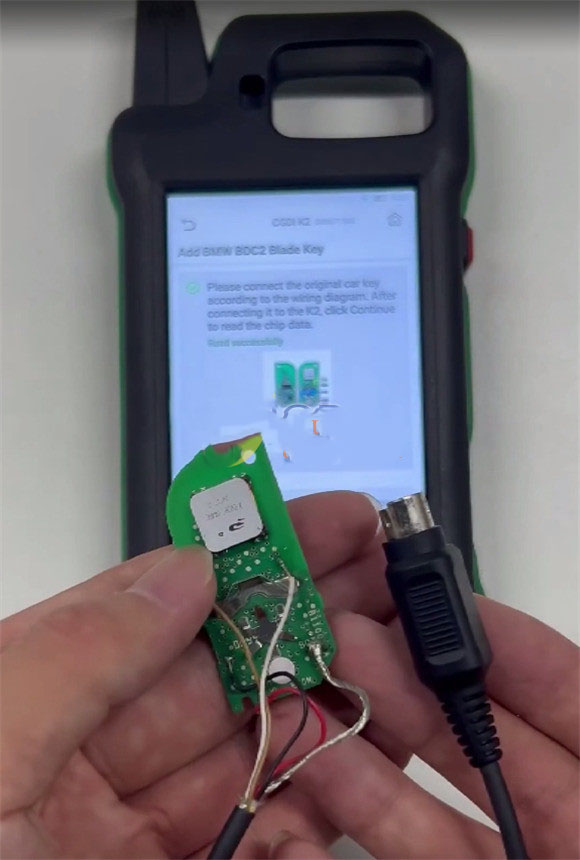
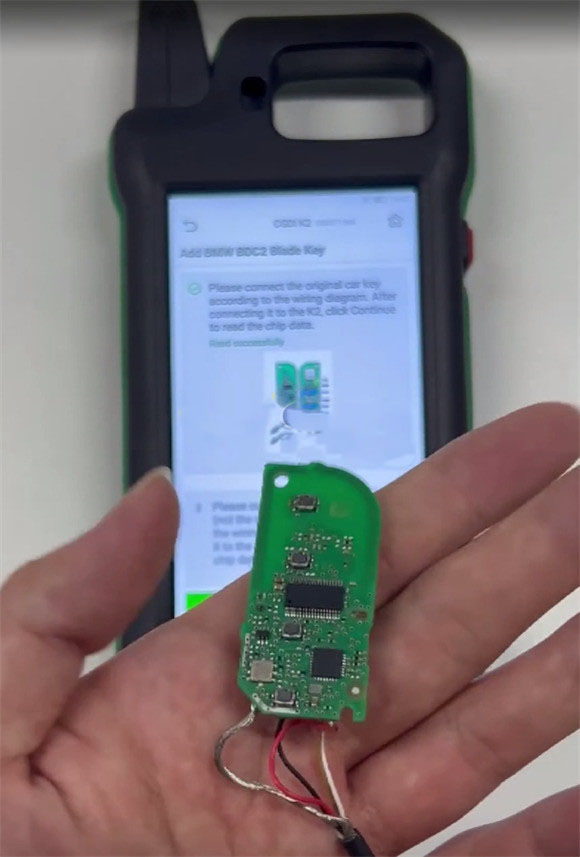
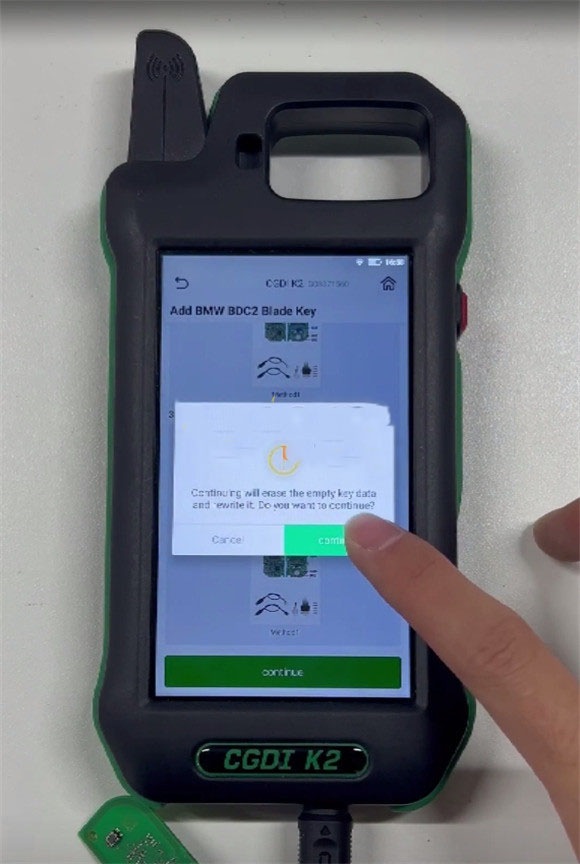
All existing data on the blank key will be overwritten, and the original key data will be transferred to it.
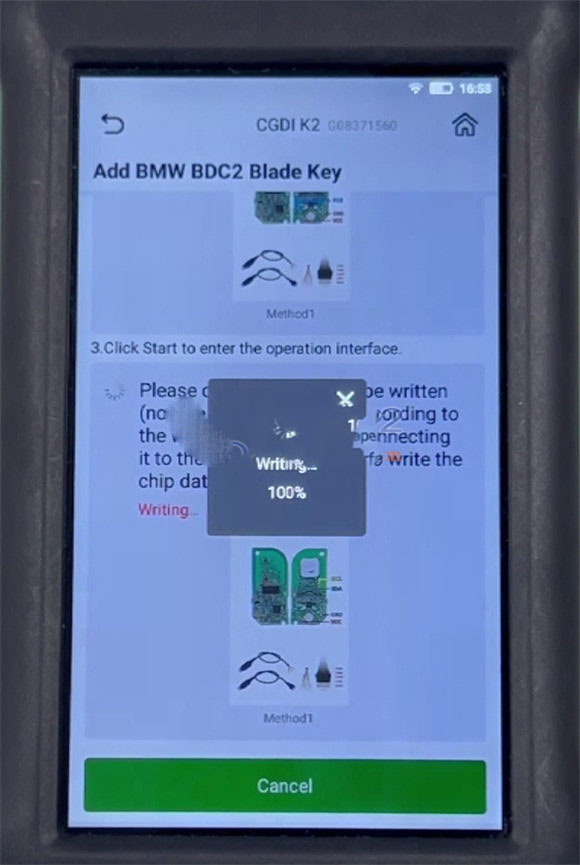
Wait a short time for the writing process to finish.
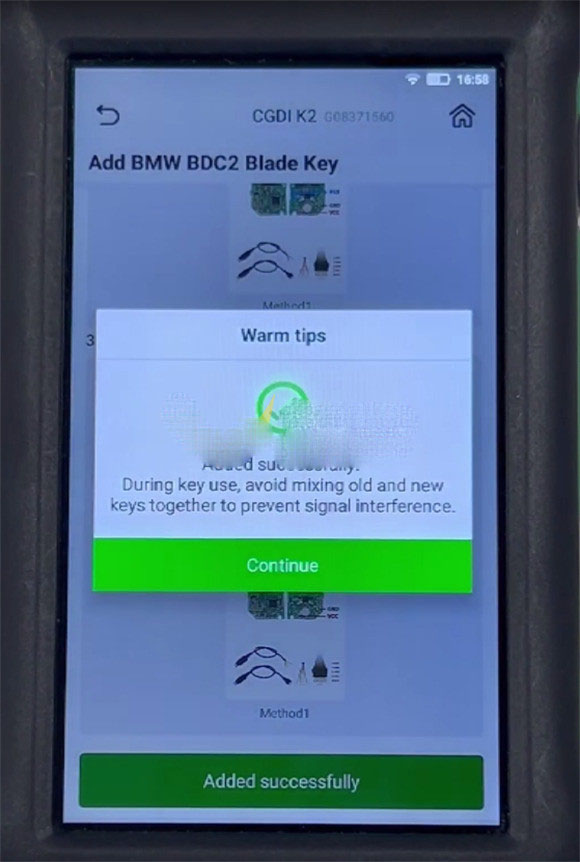
The key has been successfully programmed using the CGDI K2 key tool.
 WhatsApp:
 Telegram:
 Email: