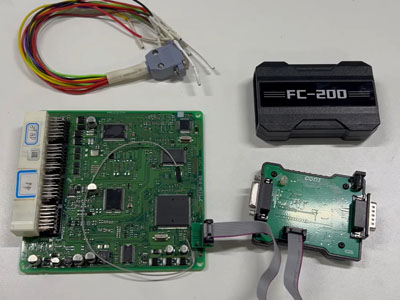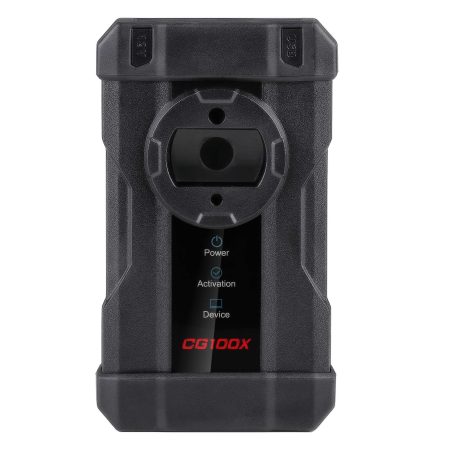

Successfully Adjusted Mileage on 2024 Kia Carens from 33,333 km to 22,222 km with CGDI CG100X Using CAN BUS Protocol
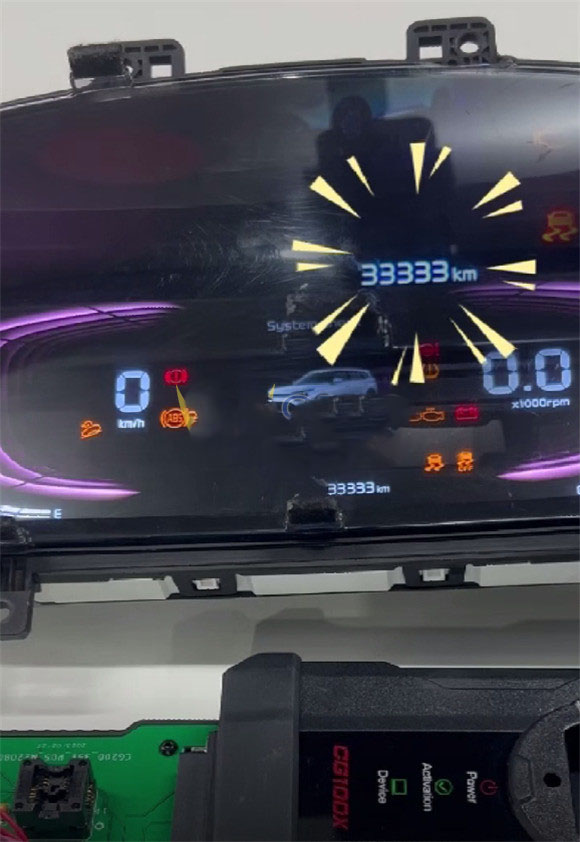

Step-by-Step Guide:
1. Assemble the required items: the dashboard from a 2024 Kia Carens, CGDI CG100X programmer, 35X-CAN adapter, and a CAN cable.



2. Connect the CGDI CG100X programmer to a computer or PC using a USB cable, and attach the power supply. Refer to the connection diagram in the CG100X software for guidance.
3. Insert the CG100X 35X-CAN adapter into the CG100X device, then link it to the dashboard with the CAN cable as per the diagram.


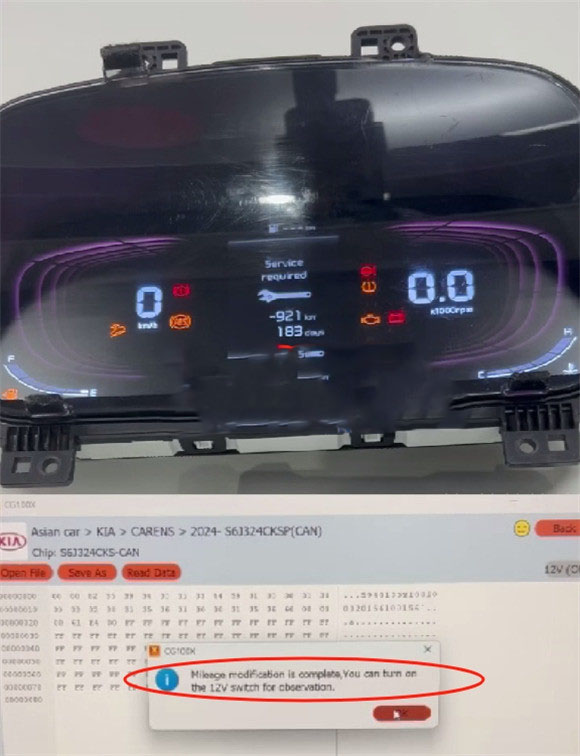
4. In the software, navigate to Dashboard -> Asian car -> KIA -> CARENS -> 2024-S6J324CKSP (CAN).
5. The current mileage (33,333 km) will be displayed automatically; manually enter the desired value (22,222 km).
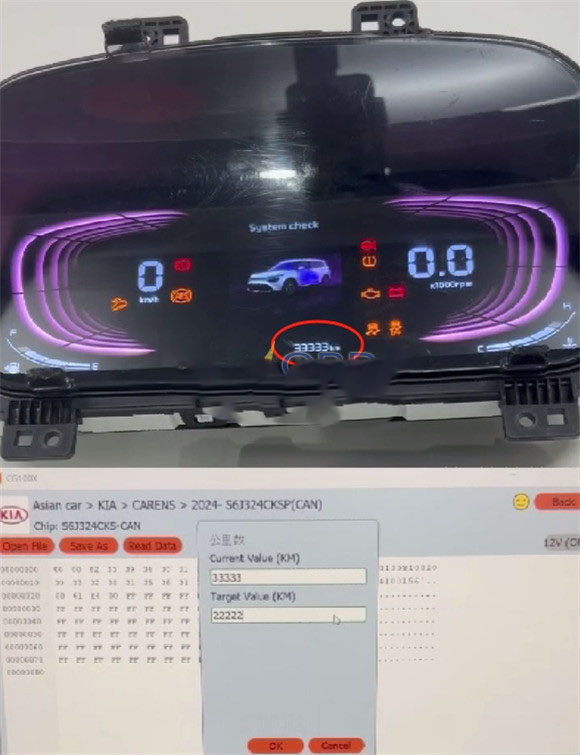
6. After a short wait, the mileage adjustment will be completed successfully.
 WhatsApp:
 Telegram:
 Email: