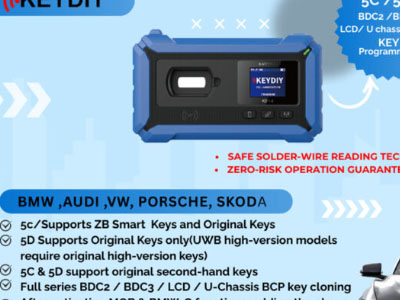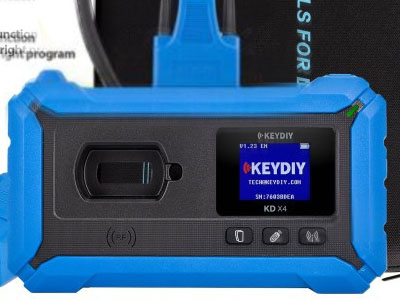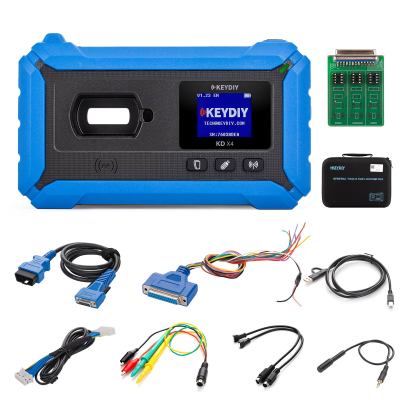

Users of the KEYDIY KD-X4 device may face an issue when attempting to activate MQB licenses via the Android app. The application often displays a notification indicating that the account balance is insufficient to complete the payment during the activation process.
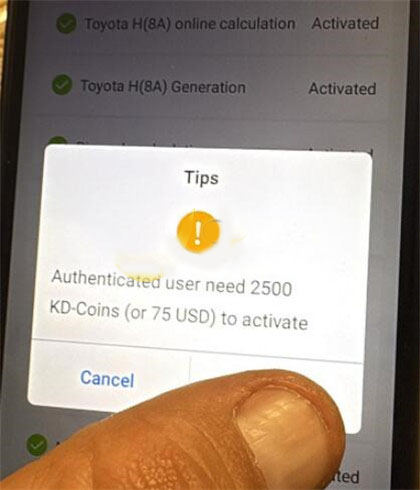
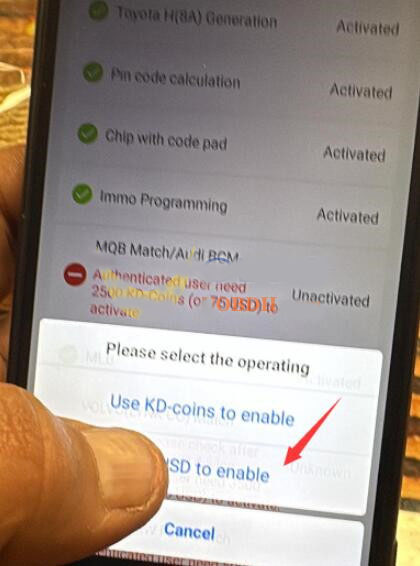
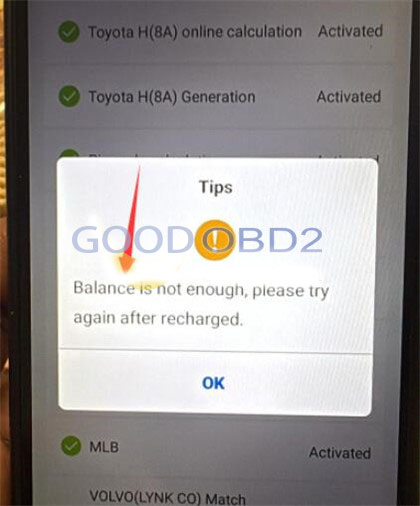
Steps to Solve the Balance Insufficient Problem:
1. Add funds to your wallet by recharging your account through the designated payment options in the app.
2. Once the wallet has sufficient balance, proceed to pay the activation fee to successfully enable your MQB license.
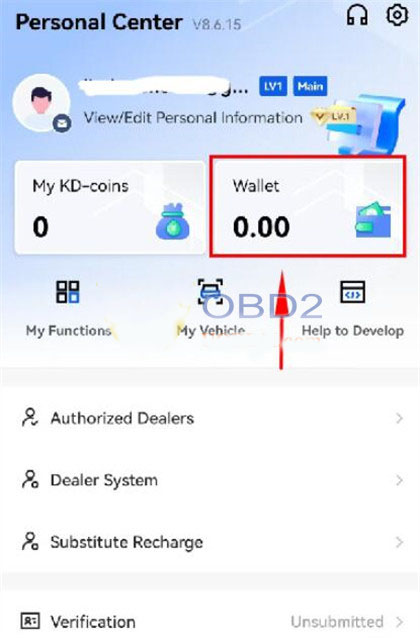
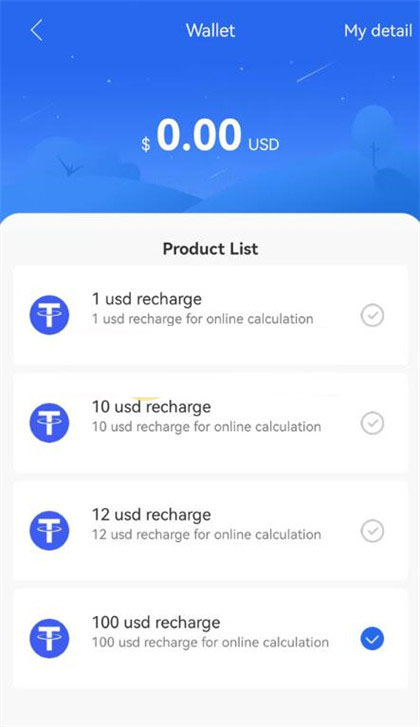
3. Additional Troubleshooting Guidance:
In cases where the payment system encounters errors on your device or in your geographical area, it is recommended to reach out to KEYDIY's technical support or customer service team for further assistance.
 WhatsApp:
 Telegram:
 Email: