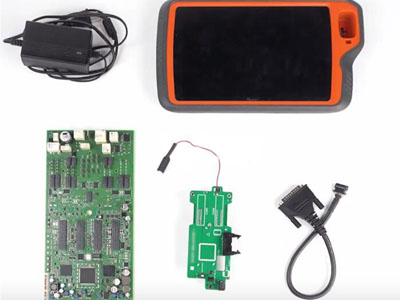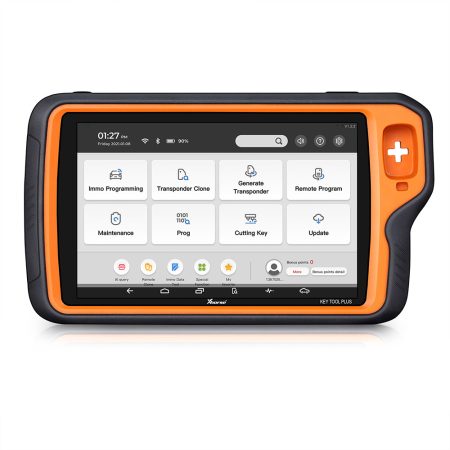

When attempting to add a 2023 Volkswagen MQB49 5C key using the Xhorse VVDI Key Tool Plus, some users encounter a persistent error: “CLK line not connected.” This message appears even after verifying correct soldering and trying a solder‑free adapter. The issue typically stems from a poor connection on the CLK line, and the following guide walks through proven diagnostic and repair steps to resolve it.
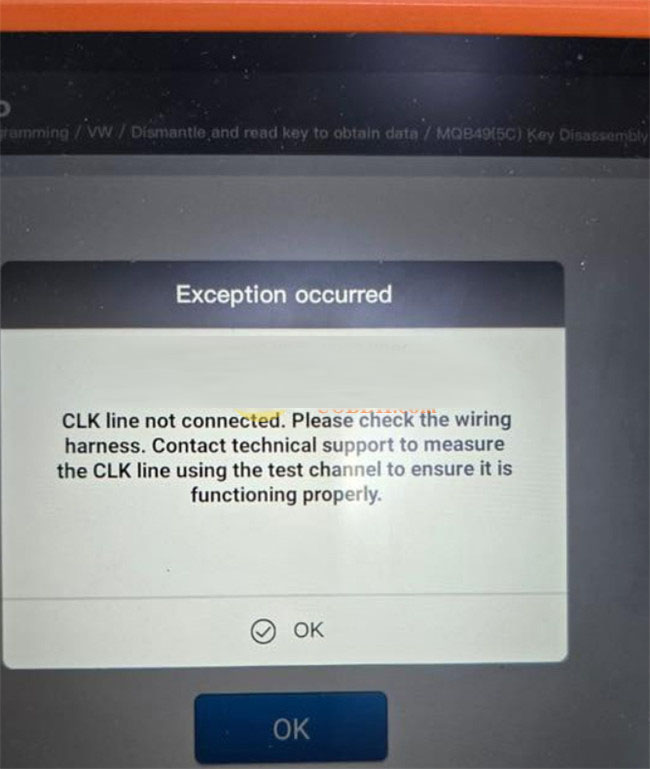
Step 1: Verify Every Wire Connection by Label, Not Just Colour
Begin by re‑examining all wired connections. Although wire colours may seem consistent, it is essential to match each connection according to the labels on the wires rather than relying on colour alone. A misidentified wire can easily cause the CLK line to remain disconnected.
Step 2: Concentrate on the CLK Pin – Chip Pin 24
The CLK signal is directly tied to pin 24 of the memory chip. Ensure that this specific pin is correctly targeted. Even if other connections appear sound, an unstable or incorrect CLK contact will trigger the error. Use a multimeter if necessary to confirm continuity.
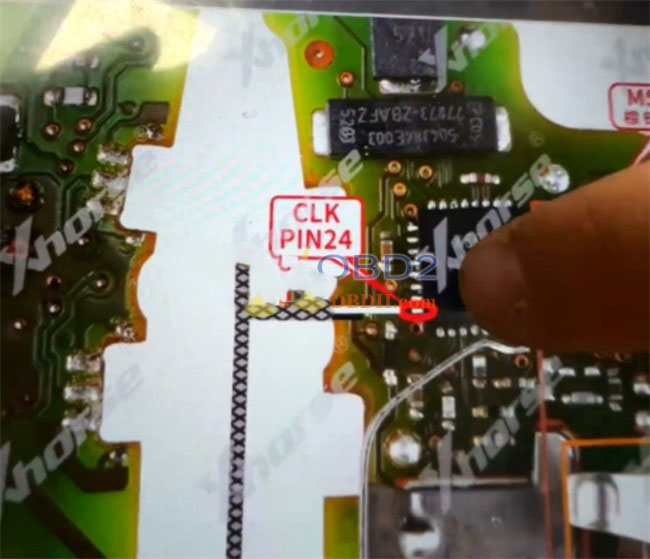
Step 3: Inspect the Chip Under Magnification and Repair Any Damage
Physical defects on the chip or its pins can interrupt the CLK line. Place the chip under a microscope and carefully examine pin 24 and its surrounding area. If you spot a crack, bent pin, or poor solder joint, gently polish the affected area with a suitable tool until the connection is restored. Cleanliness and precision at this stage are critical.
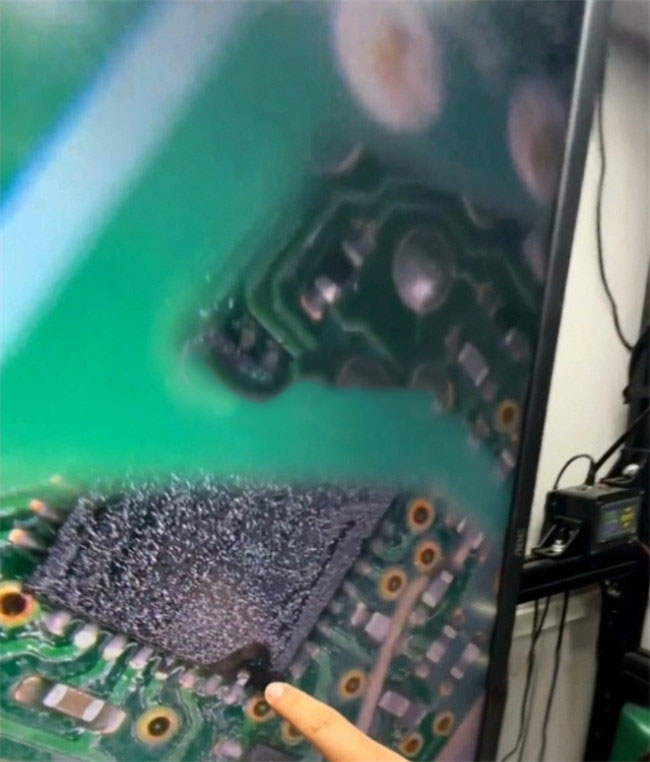
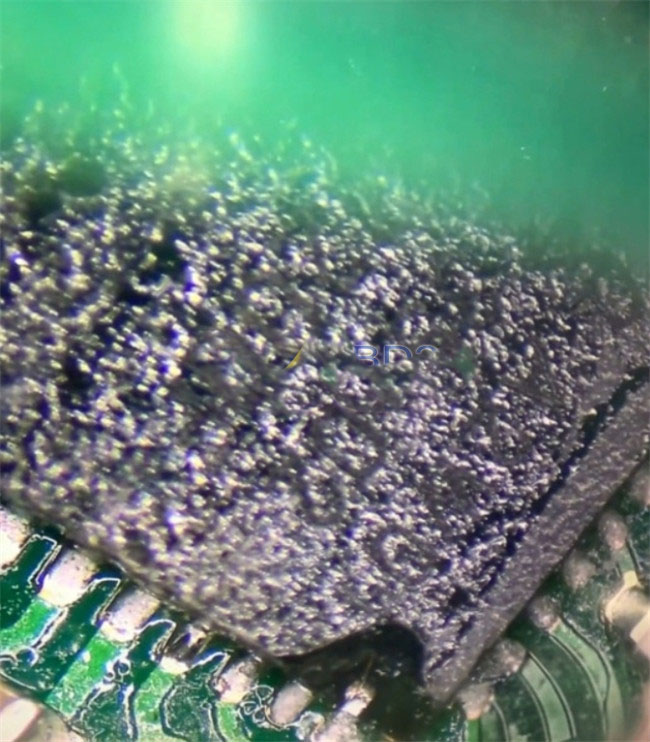
Step 4: Secure the CLK Connection – Soldering or Adapter Techniques
To guarantee a stable CLK link, you have two reliable options:
- Re‑solder the wire: Remove any existing solder and attach the wire firmly to pin 24, ensuring a clean mechanical and electrical bond.
- When using a 5C/5D solder‑free adapter: Press a fine needle firmly against the CLK pin to hold it in place throughout the entire programming process. This extra pressure compensates for any looseness in the adapter’s grip.
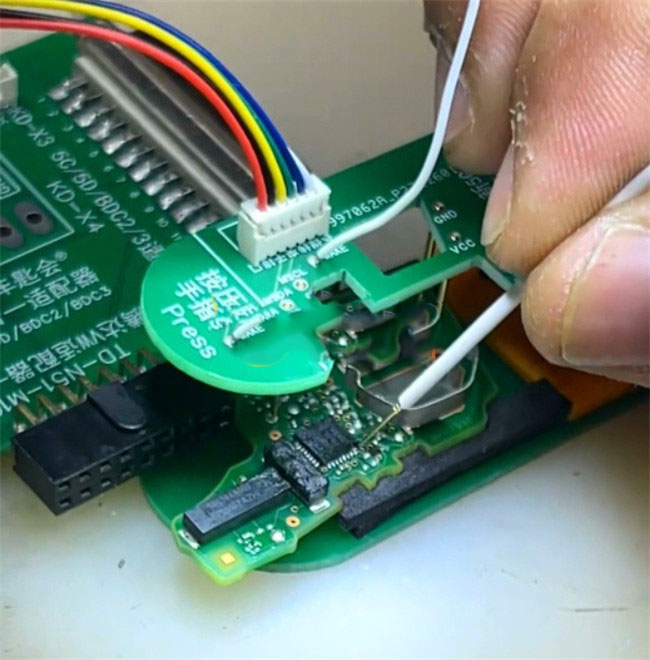
Once the CLK connection is properly secured and verified, the Xhorse VVDI Key Tool Plus will be able to read the original key data without displaying the “CLK line not connected” error. The key can then be added successfully.
 WhatsApp:
 Telegram:
 Email: