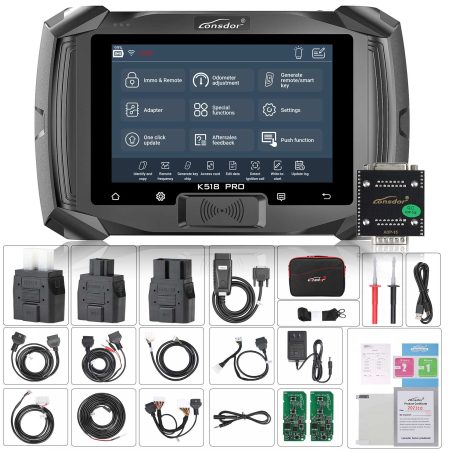

On December 5, 2025, Lonsdor Technology launched a significant immobilizer system upgrade for its K518 PRO and K518 series key programmers. This guide details the new features and provides a step-by-step tutorial for updating your device and programming keys.
New Feature: BYD 2025 Automatic Free PIN Code Identification for Key Addition
This update streamlines the process by automatically identifying the necessary PIN code, simplifying key programming for supported BYD models.
Supported Vehicle Models Include:
- BYD Tang
- BYD Song
- BYD Han
- BYD Yuan / ATTO 3
- BYD Qin
- BYD Seal
- BYD Sealion
- BYD Dolphin
- BYD Leopard 5
- BYD Leopard 8
- BYD Titan 7

The following tutorial demonstrates the smart key programming process using a 2024 BYD Destroyer 05 as an example.
Required Equipment:
- Lonsdor K518 Pro Key Programmer
- Standard OBD-II Diagnostic Cable
- One Functioning Original Vehicle Key
- A New Lonsdor Smart Key

Step-by-Step Programming Guide:
Phase 1: Generate a New Smart Key
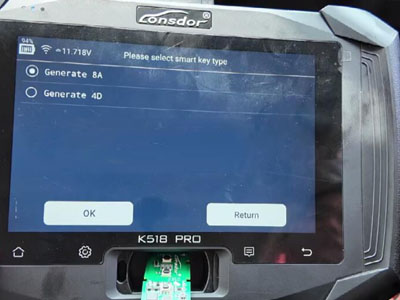
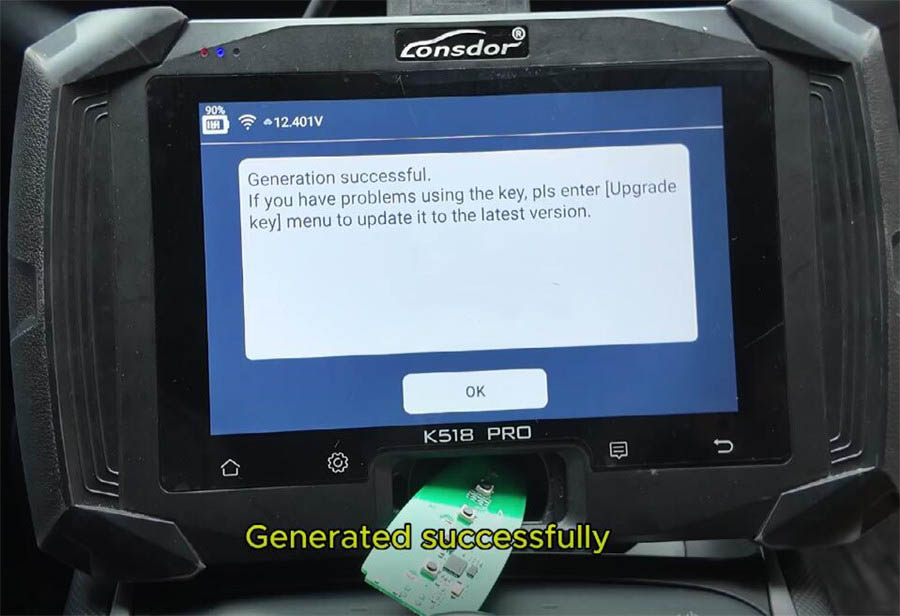
Connect the K518 Pro to the vehicle's OBD port using the cable. Navigate to the "Generate Smart Key" function. Select BYD, then choose the specific model (e.g., Destroyer). Proceed with the first menu option. Insert the blank Lonsdor smart key into the programmer's card slot. Initiate the generation process by clicking "Generate" and wait for the successful completion message. Return to the main menu afterward.

Phase 2: Program the Key & Remote Functions
Select "Immobilizer & Remote" from the main menu. Choose "BYD Smart Key" and then the exact model (Destroyer 05). Begin by selecting "Read Key Data" and carefully follow all on-screen instructions.


Place the original working key in the designated sensing area as prompted and confirm. Then, choose the "Program Smart Key" option. The system will display the current number of programmed keys (e.g., 2).

Place the first key to be programmed (typically the original) in the sensing area and confirm. A success message will appear. When prompted to program the next key, confirm. Place the second (new) smart key in the sensing area and confirm again for successful programming. If no more keys need adding, select "Cancel" when prompted.
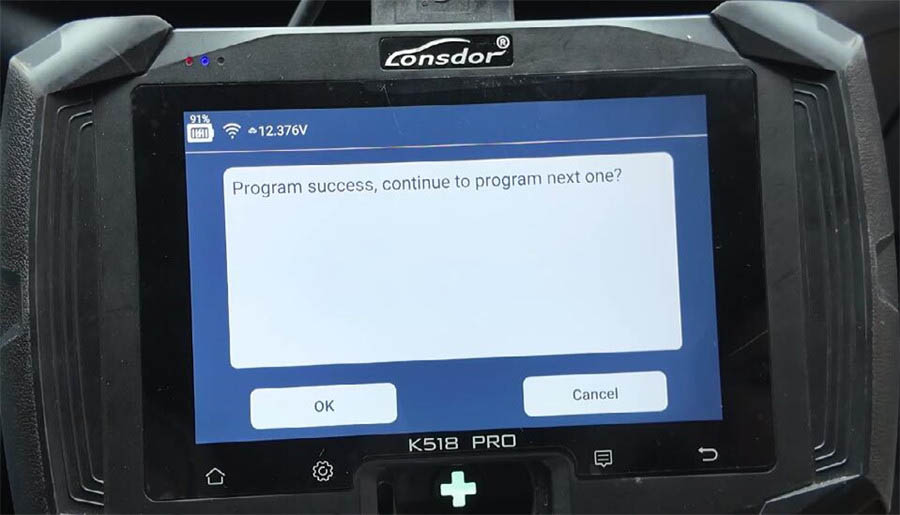


Completion:
The system will confirm the operation is complete:
✅ Programming finished. Total keys programmed: 2.
✅ Key programming successful.

Functionality Verification Test:
Original Key Test: Press the brake pedal and the start button. The vehicle should start successfully.

New Key Test: Press the brake pedal and the start button. The vehicle should start successfully, confirming the new key is fully operational.

Remote Test: Use the lock and unlock buttons on both key fobs. Both should operate the vehicle's central locking system normally.

This completes the process of successfully adding a new smart key to a 2024 BYD Destroyer 05 using the updated Lonsdor K518 PRO key programmer.
 WhatsApp:
 Telegram:
 Email: