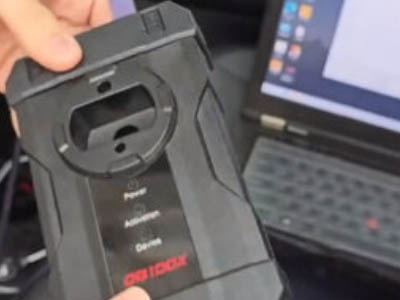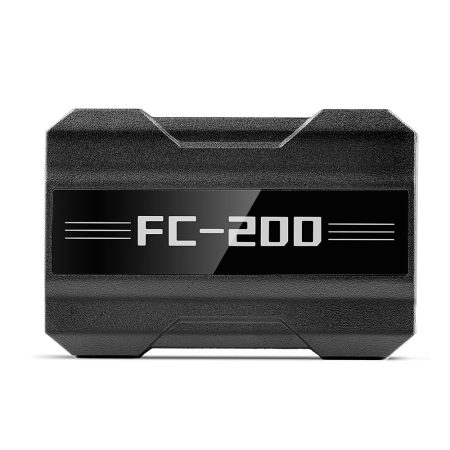

This guide explains the process for unlocking ME7.8.8 ECUs using the CG FC200 ECU Programmer's CAN unlock functionality. Ensure your FC200 software is updated to version V1.3.2.6 or newer before beginning.
Key Updates in CG FC200 Software V1.3.2.6:
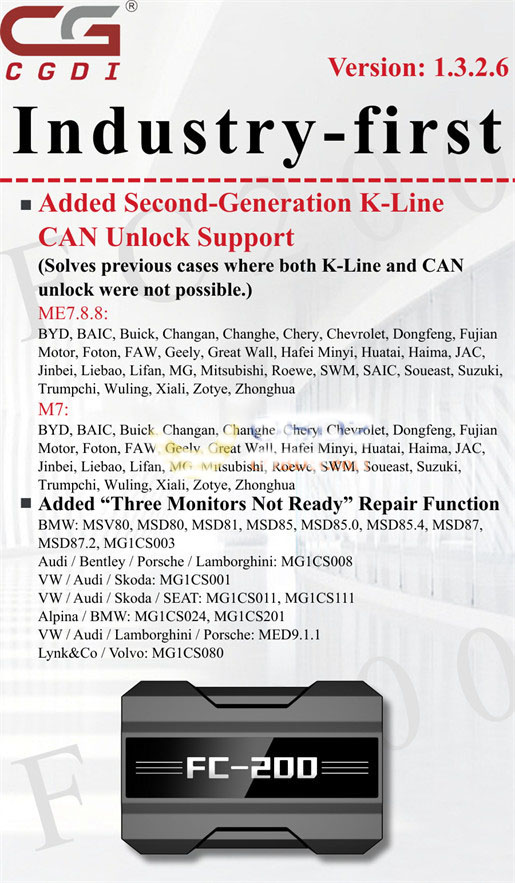
1. New K-Line CAN Unlock Support for ME7.8.8 & M7 ECUs
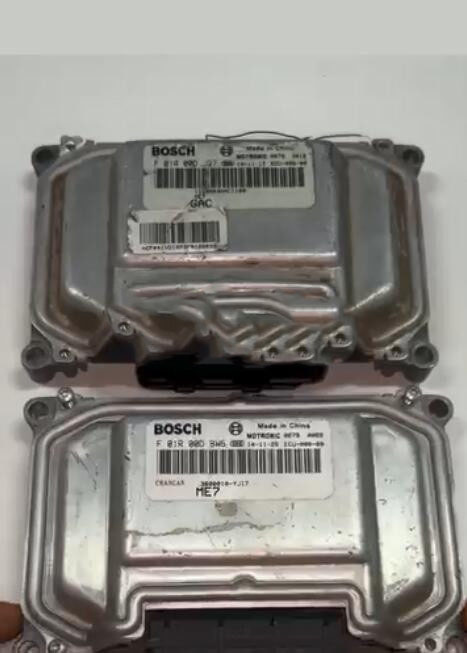
This update resolves earlier limitations, enabling successful unlocking for a wide range of vehicle ECUs where traditional methods failed.
- ME7.8.8 ECU Applications: BYD, BAIC, Buick, Changan, Changhe, Chery, Chevrolet, Dongfeng, Fujian Motor, Foton, FAW, Geely, Great Wall, Hafei Minyi, Huatai, Haima, JAC, Jinbei, Liebao, Lifan, MG, Mitsubishi, Roewe, SWM, SAIC, Soucast, Suzuki, Trumpchi, Wuling, Xiali, Zotye, Zhonghua.
- M7 ECU Applications: BYD, BAIC, Buick, Changan, Changhe, Chery, Chevrolet, Dongfeng, Fujian Motor, Foton, FAW, Geely, Great Wall, Hafei Minyi, Huatai, Haima, JAC, Jinbei, Liebao, Lifan, MG, Mitsubishi, Roewe, SWM, Soucast, Suzuki, Trumpchi, Wuling, Xiali, Zotye, Zhonghua.
2. Added "Three Monitors Not Ready" Repair Function
This new feature supports repair procedures for various control units, including:
- BMW: MSV80, MSD80, MSD81, MSD85, MSD85.0, MSD85.4, MSD87, MSD87.2, MG1CS003
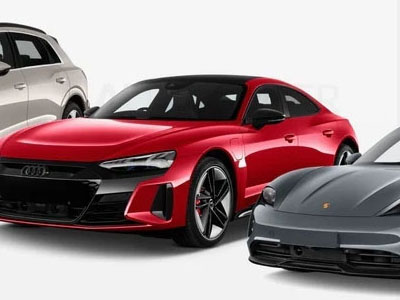
- Audi / Bentley / Porsche / Lamborghini: MG1CS008
- VW / Audi / Skoda: MG1CS001
- VW / Audi / Skoda / SEAT: MG1CS011, MG1CS111
- Alpina / BMW: MG1CS024, MG1CS201
- VW / Audi / Lamborghini / Porsche: MED9.1.1
- Lynk & Co / Volvo: MG1CS080
Step-by-Step Guide: CAN Unlock ME7.8.8 with CG FC200
Example Procedure for a FOTON vehicle with a BOSCH ME7.8.8 ST10F275 ECU:
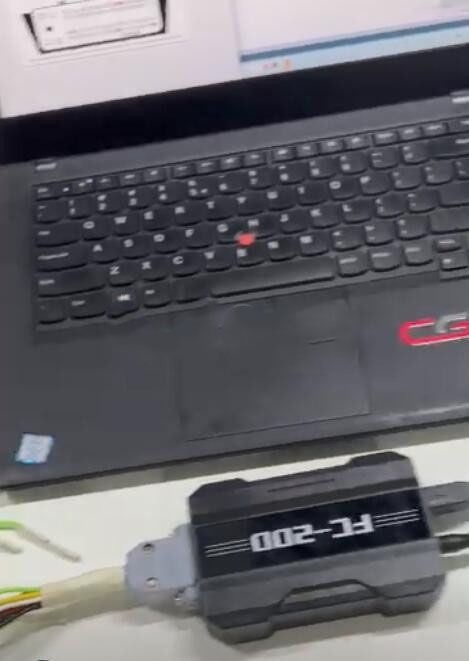
Step 1: Connect your CG FC200 device to your computer using the provided USB cable.
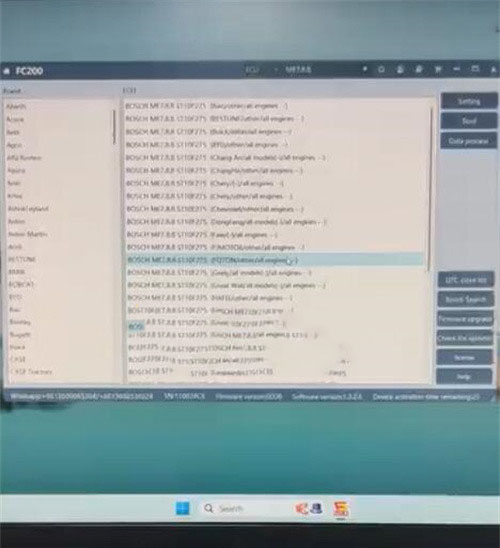
Step 2: Launch the FC200 software on your PC. Select the correct ECU model to view the specific wiring diagram for your target unit.
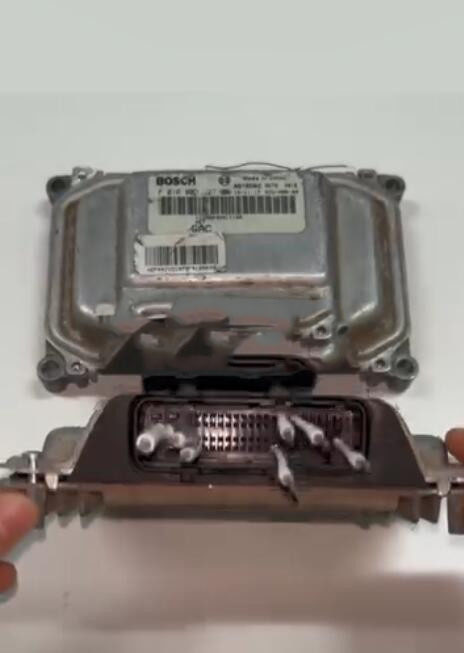
Step 3: Using the appropriate adapter, correctly connect the CG FC200 programmer to the ME7.8.8 ECU. Apply power to the ECU as indicated in the wiring guide.
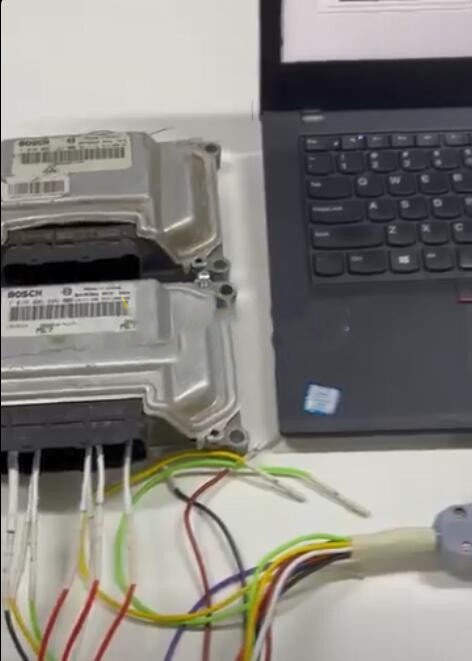
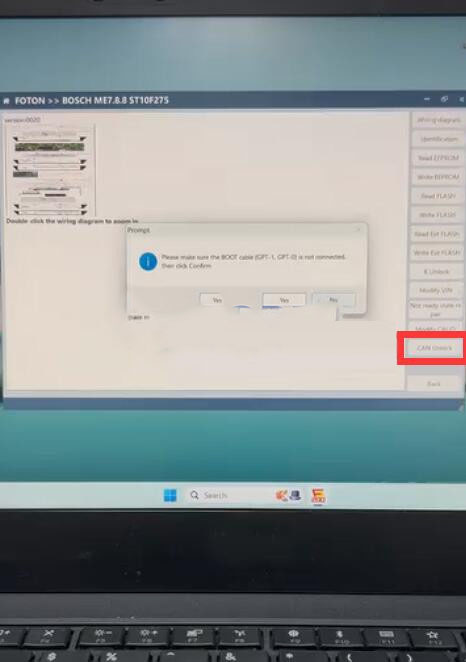
Step 4: Within the software interface, navigate to and select the "CAN Unlock" function.
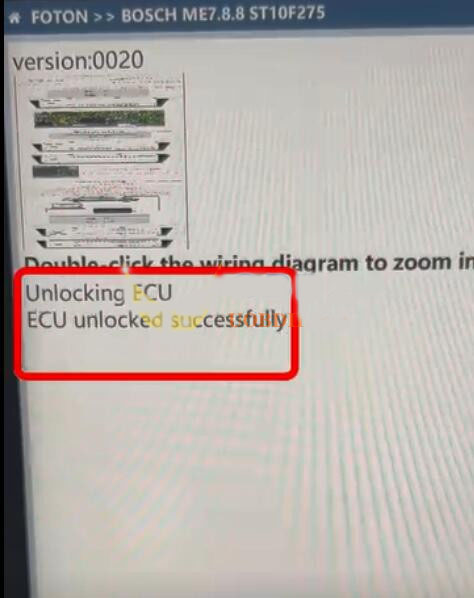
Step 5: Follow the on-screen instructions carefully. The process will run automatically. Wait for the confirmation message indicating a successful ECU unlock.
 WhatsApp:
 Telegram:
 Email: